One screen for Ballistic AE's *chart and corrections*
Federal combines Ballistic AE's range card and live corrections. Canada's iPhone listing confirms the update; profile limits, phone support, and offline preparation deserve a look.

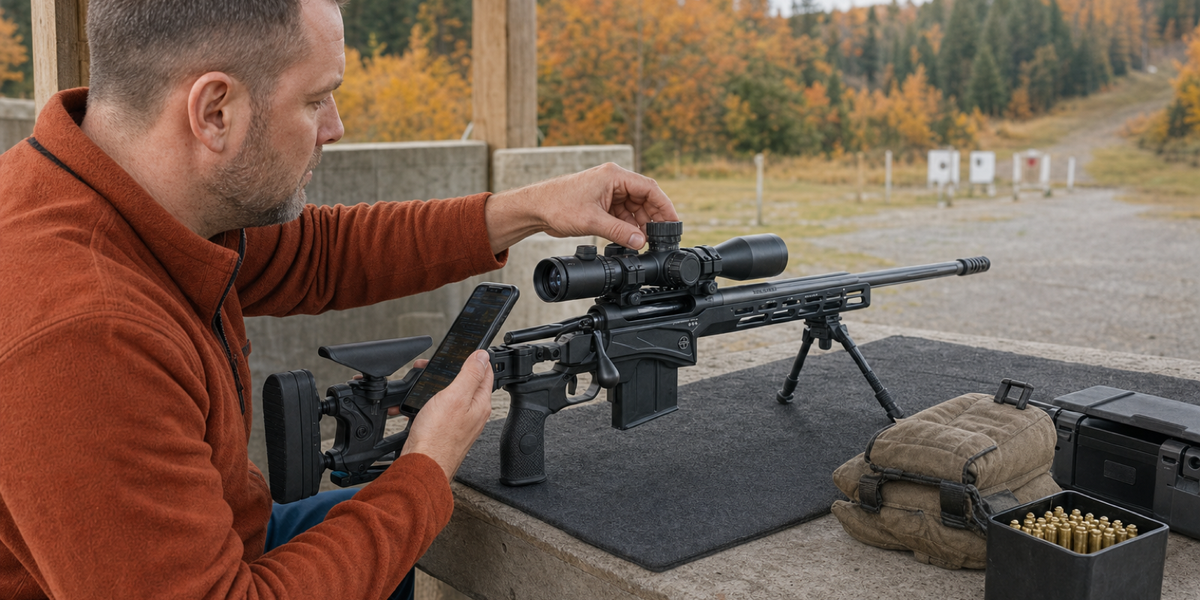
Federal has put two pieces of a ballistic app where I would want them: the range card and the live correction, visible together. Its redesigned Ballistic AE combines the HUD, or working display, with the DOPE chart in one workspace. Wind direction, wind speed, and range can be adjusted there, according to the company's October 15 announcement.
That is a useful design proposition for a precision shooter. I spend my working days on interfaces, and I have little affection for moving between screens to confirm information that belongs together. At the bench, I want the rifle, load, and correction to stay understandable while I change an input.
Apple's Canadian catalogue confirms that version 7.0.0 reached the store on October 15. This is a look at the announced changes and current Canadian listing. The judgement about their usefulness comes from the workflow; a hands-on verdict will need time with the app.
A range card beside the live correction
The interesting change is the relationship between two ways of reading the same setup. A table lets a shooter scan several distances. A working display concentrates attention on the present distance and conditions. Federal says the redesign brings those views together, with trajectory information alongside the adjustment data.
I can see the appeal. Change the range, look at the correction, and keep enough surrounding information visible to understand where that answer came from. Every screen change asks the shooter to remember something from the previous view. Removing a few of those steps could help, provided the important context stays clear.
The test I would apply is ordinary: can I identify the selected rifle and load, see the units, make the adjustment I intended, and recognize the resulting correction? A fresh layout earns its place when those tasks become easier to follow. The number of new buttons interests me rather less.
Federal's release also promises better shooting and accuracy. Those remain manufacturer claims. A cleaner display can make information easier to use; the rifle, ammunition, and inputs still determine whether the predicted correction matches what happens downrange.
Canada's listing sets the phone requirement
For a Canadian reader, the local listing supplies a useful check on the announcement. Apple's current Canadian catalogue identifies Ballistic: Advanced Edition, version 7.0.0, at a download price of C$0, with iOS 15 as its minimum operating-system requirement. That phone requirement deserves attention if an older device lives in the range bag.
Federal's FAQ describes the free version as the full calculation engine and all calculation modes with a single rifle profile. It also describes managing multiple rifles, without settling the current price or terms for that broader setup on the page I checked. A free download and one useful free profile give a clear starting point. Owners wanting several profiles should check the actual offer inside the app before reorganizing their system around it.
I would begin with one familiar rifle and load. That gives the redesigned workspace a fair comparison with a setup whose behaviour I already understand. Buying or configuring more things can wait until the basic job feels settled. Precision shooting supplies enough opportunities to purchase a second solution to the first purchase.
Load the profile before losing service
Federal says the app works without internet or cellular service after its data and profiles have been loaded. That qualification belongs beside the offline claim. The useful preparation happens while a connection is available.
Before relying on an updated app away from home, I would open the intended profile, inspect the saved values, and check the information I expect to use without service. A working offline setup has particular value wherever reception is poor. A general claim of offline capability leaves the user with the job of confirming that their own data is there.
Federal also lists chart exports and printable range cards. I like having that option. An exported card gives me a stable reference while I learn a changed interface, and it remains useful when the phone is occupied, put away, or short of battery. Keep the rifle and load identification with the information so the copy remains useful later.
Wind reaches the app through an input
The redesign's manual wind controls deserve a separate look. Federal describes adjustment of wind direction and speed in the workspace. Its FAQ also lists supported weather sources and compatible connected devices. Each route brings information into the calculation, with its own assumptions and setup.
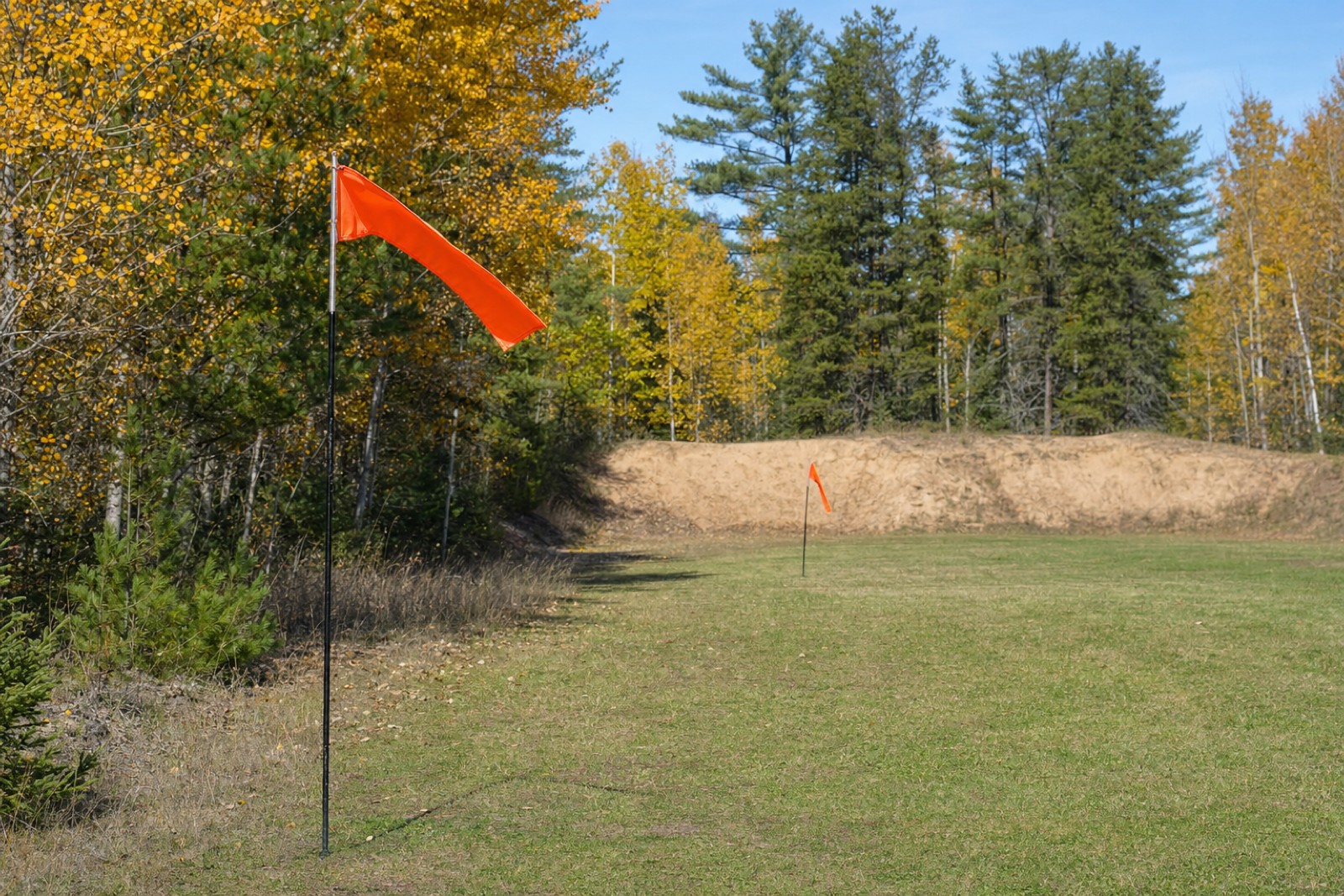
A figure on the screen should have an origin the shooter understands. Was it entered from a firing-line observation, supplied by a connected instrument, or taken from a weather service? Those sources can describe different places and moments. Keeping that distinction visible helps the user judge the answer without treating a precise-looking number as the whole wind field.
My interest in the combined view comes back to that visibility. I want to change one input and follow its effect while retaining the context around it. Federal has announced a layout that could make that easier. For a Canadian iPhone shooter considering the update, the practical starting point is one known profile, its saved range card, and a clear view of which information produced the correction.
Sources
- Federal Ammunition, Federal Releases New Version of Top-Ranked Ballistic AE App, October 15, 2026; checked October 18.
- Federal Ammunition, Ballistic AE and current app FAQs, checked October 18, 2026.
- Apple, Ballistic: Advanced Edition, Canadian App Store, checked October 18, 2026. Current version, release timestamp, Canadian download price, and minimum system requirement cross-checked against Apple's Canadian catalogue.
Keep the range notes worth reading later.
If this piece has you thinking about range time, keep the notes useful enough to read later.
Use the Holdover Range Bench Log Card to record rifle, optic, ammunition, distance, weather, zero, group notes, correction, and next test without turning a range trip into a memory test.
Safety note: the card is a note-taking worksheet, not shooting instruction, load data, legal advice, or a substitute for range rules, official guidance, manufacturer manuals, or qualified instruction.