Keeping *load records* readable beyond GRT
A Canadian Gun Nutz member went looking for a GRT backup on October 26. The official download-removal notice dates to July 27. The useful next step is preserving the known installation, personal files, and readable records.

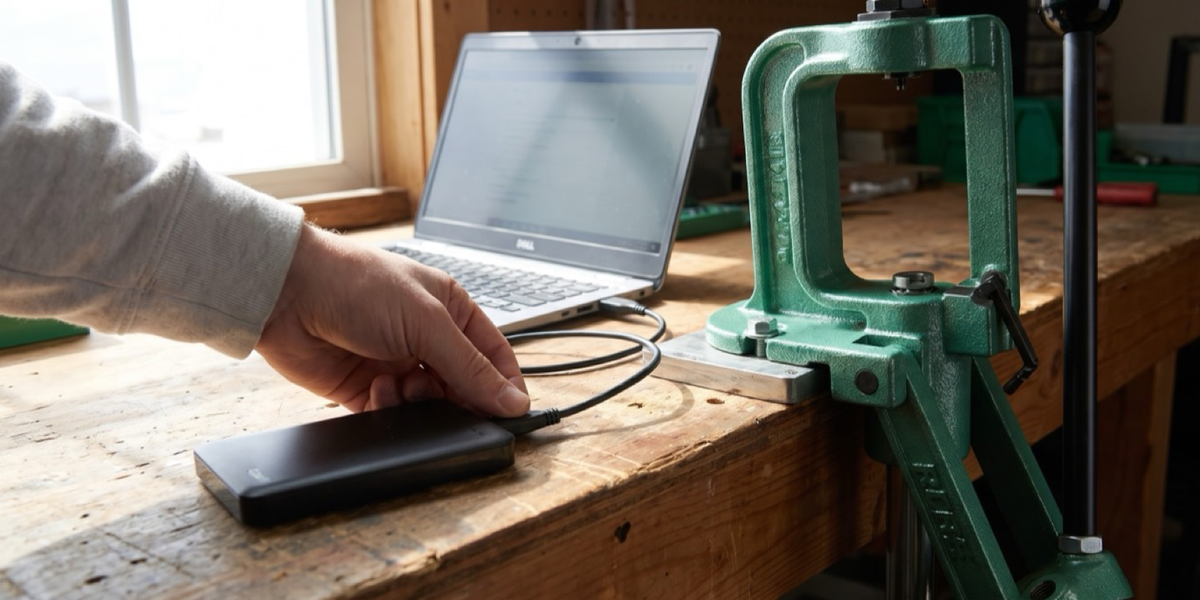
A Canadian Gun Nutz member went looking for a backup of Gordon's Reloading Tool on October 26 and found that the official download had disappeared. A second member replied that GRT had been their first stop and that they now needed an alternative. The date on GRT's own removal notice is July 27, 2026.
That puts two different moments in view: an older notice on the project's site, and a forum member discovering its consequence on October 26. The immediate ownership question concerns the files already on a computer. A working installation, personal notes, and a readable report each preserve something useful.
I would put some effort into those records before spending an evening comparing replacement programs. A reloading bench can accumulate years of small decisions. Software makes them convenient to find, provided we still have the files and understand what we put in them.
July's notice, Monday's question
The official GRT page says the software will receive no further development or fixes for potential bugs, and gives that as its reason for removing the download. Its dated notice controls the answer, even though older promotional copy farther down the page still describes signing up and downloading the software.
Members of the Canadian thread mention finding copies elsewhere. Their availability leaves the provenance of any particular download to be established separately.
For someone who already has a known installation, there is a more concrete starting point. GRT's installation documentation describes portable software delivered in an archive. The folder contains the program, libraries, documentation, a configuration file, and a local database. Its old update instructions tell users to back up their existing folder first. Those pages describe the original packaging; they provide no tested promise about your next operating system.
The records worth keeping
Keeping that complete known folder preserves more of the installation than copying the executable alone. Personal records need their own check. The installation guide's example includes a loads directory, but you may have saved your own work somewhere else. Locate those files as well, and keep a separate copy beyond the computer that holds the working installation.
GRT's results documentation describes an important detail: notes, images, and files added to a load record are stored inside its .grtload file. That is the native file the program can reopen and edit. A screenshot of the main window could miss attachments you cared enough to add.
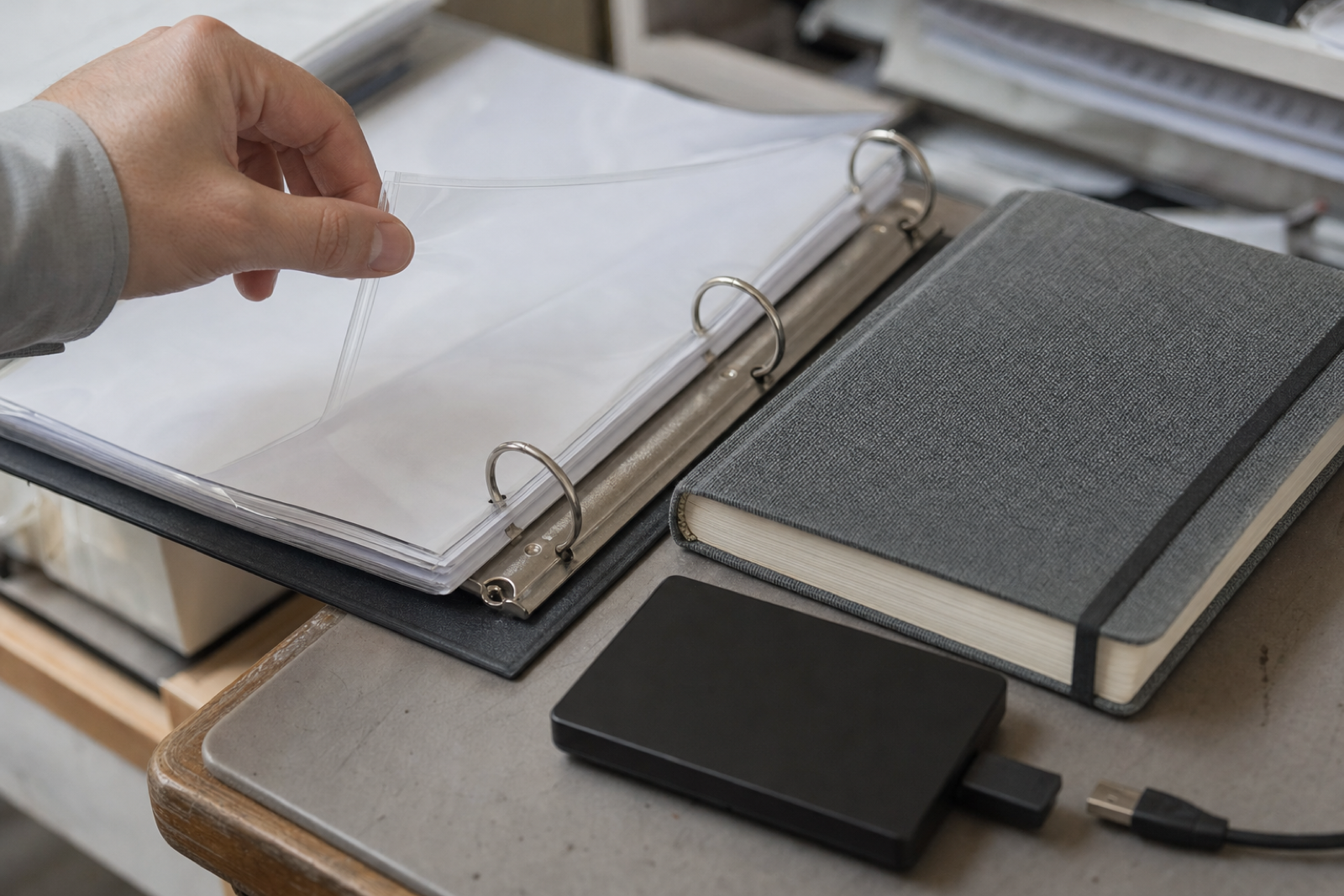
My own handload notes are organized by rifle and cartridge. Some chronograph fields are blank, which tells me that this record has no value entered there. I want those blanks to survive a software change too. A tidy-looking table loses something if I can no longer distinguish a recorded result from a field I left unfinished.
The same applies to the ordinary context around an entry: which rifle it belongs to, the date, component identification, and any observations recorded alongside it. Keeping that association saves a later round of guesswork.
I would check that a copied record opens and that its notes and attachments remain available while the familiar installation still runs. A folder with the right name gives me less confidence than a record I can open and read. Keep the untouched originals available while checking the copies.
Alongside the copies, I would note the application version, the copy date, and the original session dates. A short index linking the rifle entry to its files and attachments would help me find the right material later, especially if I had spread it across more than one folder.
A readable copy beside the native file
GRT also documents a results report: a summary of input data, calculated results, and diagrams, with a print preview. A readable copy of that report gives an owner another way to consult the entry if the native application becomes inconvenient to run.
The report and native file serve different purposes. Retain both, and check which notes or attachments the report includes rather than assuming it contains everything. Preserve any separate source files you used too. The documentation establishes what the report displays; a successful import into another program would need its own check.
Keep the labels that distinguish calculated outputs from observations you recorded. GRT describes its displayed results as calculations. A chronograph record has a different origin. Keeping that origin visible helps a future reader, including your future self, understand what each number represents without reconstructing the whole session from memory.
I would bring those readable records to any later software comparison and ask a fairly dull question: can I retain my notes and get them back out? An attractive interface is pleasant. So is avoiding a second unpaid job transcribing the first one. For now, I want the rifle association, the notes, and the unfinished fields to remain understandable. That gives me something concrete to work from while I assess the next program.
Sources
- Canadian Gun Nutz, Gordon's Reloading Tool has been Discontinued, thread opened October 26, 2026; checked October 27.
- GRT, official home page and download-removal notice, notice dated July 27, 2026; checked October 27.
- GRT, Installation & First start, checked October 27, 2026.
- GRT, How to update to a newer version?, historical instructions checked October 27, 2026.
- GRT, Results and output fields, checked October 27, 2026.
- GRT, Results-Report, checked October 27, 2026.
Set up the bench before the first mistake.
If this piece has you thinking about a first reloading bench, slow the buying part down and make the safety/process part visible.
Use the Holdover Reloading Bench Setup Checklist to track manuals, press, dies, scale, calipers, case prep, labels, storage, bench layout, safety routine, and what still needs an experienced second look.
Safety note: the checklist does not provide load data, recommend charge weights, teach reloading, or replace current published manuals, manufacturer instructions, qualified instruction, or applicable law.